Appointment Confirmation SMS Templates: The Complete and Practical Guide
Written by SmsJuice | 7 August 2025 | ⏱ 6 min read
 In brief
- An unbeatable read rate: SMS has an open rate of almost 98%, whereas email often struggles to get past 20%.
- Two messages, two roles: the confirmation (on Day 0) validates the appointment booking, while the reminder (24 or 48 hours before) prevents you from forgetting.
- 160 characters, not one more: a good reminder SMS gets straight to the point and includes 6 key elements.
- The legal framework: the 'STOP SMS' notice is required by the GDPR. It is not optional.
- Simple automation: tools are now available to send your reminders in the background, without having to touch any code.
- Interactive SMS: allowing the customer to reply YES or NO drastically reduces the no-show rate.
- A clear ROI: an SMS costs only a few pennies, which is always less than the loss from an empty appointment slot.
 Summarise the article with:
A forgotten appointment means wasted time for you and is often an inconvenience for your client. Setting up a well-timed appointment reminder SMS can reduce this issue by 20 to 30%. In some professions with tight schedules, we've even seen reductions of up to 75%. Here's a practical guide on how to do it, with ready-to-use templates, the real rules on timing, and the mistakes to avoid.
The Appointment Reminder SMS: A Professional Habit That Changes Everything
What the Numbers Say About No-Shows
Today, 48% of customers prefer to be notified by SMS, far ahead of email (22%) according to the Efidem 2025 study. This is a strong signal: your customers have their phones with them all day. You might as well put it to good use.
An SMS appointment reminder sent the day before drops the no-show rate by 20 to 30% on average. For high-demand professions like physiotherapy or beauty treatments, the impact is even more massive, sometimes reaching a 75% reduction in no-shows Esendex / Booksy data 2024-2025.
In practice, the effect is immediate: fewer gaps in your day, a less stressed team, and a much smoother client relationship. Setting up an automated message has become a quality standard accessible to any business.
Confirmation vs. Reminder: Two Messages, Two Distinct Roles
People often mix them up. Yet, they serve completely different purposes.
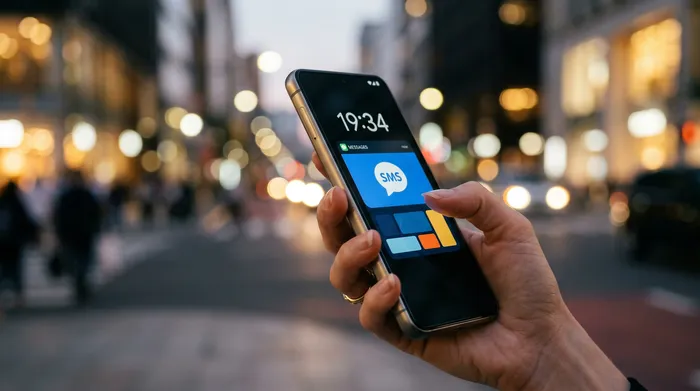
The appointment confirmation SMS is sent instantly (on Day 0). Its purpose? To reassure the client by confirming that their request has been logged and to provide them with essential practical information. It's the foundation of a good booking process.
The reminder SMS, on the other hand, comes later (24 or 48 hours before). It's your safety net against forgetfulness, which remains the number one reason for missed appointments, far ahead of bad intentions.
Quick tip: for medical procedures or technical services scheduled several months in advance, a third message sent 7 days before is very effective. This gives the client time to make arrangements for these high-value appointments.
How to Write the Perfect SMS Appointment Confirmation Message: The Checklist
A good message template gets straight to the point. Here are the 6 elements you must always include:
| Element | Practical Example | Purpose |
|---|---|---|
| Company Name | Dr. Martin's Practice | Instantly know who the message is from |
| Client's first name | Hello Sophie | Humanise the interaction |
| Specific date and time | Monday, 14th July at 10:30 AM | Avoid any confusion about the time slot |
| Address or video call link | 12 Peace Street / [link] | Make access easy on the day |
| Cancellation link | [shortened link] | Make it easy to free up the slot |
| STOP SMS notice | STOP to 36XXX | Comply with the law (GDPR) |
The 160-character limit is not a myth. If you go over it, your reminder text will be charged as two SMS. Every word counts.
This is why you must use shortened links. A standard web link can easily take up 50 characters. Use the features of SmsJuice to generate short links and allow your clients to change their appointment time without blowing up your character count.
Ready-to-use appointment reminder SMS examples to copy and paste
Here are some ready-to-use templates. We have included the character count to give you a clear idea.
Templates for the medical and paramedical sector
Here, the tone must remain sober, clear, and formal.
Template 1 — Immediate confirmation (online appointment booking)
Hello [First Name], your appointment with Dr. Dupont is confirmed for [Date] at [Time]. Clinic is at [Address]. To cancel: [link]. STOP 36XXX (~145 characters)
Template 2 — 24-Hour Reminder (Standard)
Reminder: Appointment with Dr. Martin tomorrow [Day] at [Time], [Address]. If you can't make it, cancel here: [link]. Thank you. Dr. Martin's Clinic. STOP 36XXX (~130 characters)
Template 3 — Physio or Specialist Reminder (with instructions)
Hello [First Name], your physio appointment is tomorrow at [Time] at [Address]. Please wear comfortable clothes. To cancel: [link]. Lefèvre's Practice. STOP 36XXX (~140 characters)
For medical appointments, always include the practitioner's name and the exact address. Patients often see multiple specialists, and this prevents them from going to the wrong clinic.
Templates for Beauty and Wellness Professionals
You can use a warmer tone. Emojis are welcome, but be careful: some special characters reduce the limit to 70 characters per SMS instead of 160. Always test before sending in bulk.
Template 4 — Hairdresser or Salon Reminder (D-1)
Hi [First Name]! We're looking forward to seeing you tomorrow at [Time] at [Salon Name] for your appointment. To reschedule: [link]. See you soon! STOP 36XXX (~140 characters)
Template 5 — Specific Treatment Confirmation
[First Name], your [Type of treatment] is confirmed for [Date] at [Time] at [Name] Institute. Any questions? Reply to this SMS. STOP 36XXX (~135 characters)
Template 6 — Re-engaging an Inactive Client
Hi [First Name], it's been a while! Your next appointment at [Name] is not yet scheduled. Book your slot again soon: [link]. STOP 36XXX (~148 characters)
This is an excellent method to reactivate a client with a client appointment reminder message after 3 to 6 months of inactivity. It often works better than an aggressive promotion.
Templates for B2B Professionals and Tradespeople
Brevity and professionalism are key. Get straight to the point.
Template 7 — Professional Appointment Confirmation (B2B / Video Call)
Hello [Prénom], your appointment with [Nom société] is confirmed for [Date] at [Heure] via video call: [lien]. To reschedule: [lien]. STOP 36XXX (~140 characters)
Template 8 — Artisan reminder (plumber, electrician) 24 hours before
Hello [Prénom], your [Type] service is confirmed for tomorrow at [Heure] at [Adresse]. Your presence is required. Reschedule: [lien]. [Nom société]. STOP 36XXX (~143 characters)
Template 9 — Post-quote confirmation (consultant or agency)
Hello [Prénom], following your approval, our kick-off meeting is set for [Date] at [Heure]. Meeting link: [lien]. [Nom société]. STOP 36XXX (~148 characters)
For artisans, remember to specify that the client's presence is essential. This will save you from travelling down only to meet a locked door.
Templates for unforeseen situations (delay, cancellation, rescheduling)
These messages are crucial. They save the customer relationship when things don't go as planned.
Template 10 — Cancellation from your end (emergency)
Template 11 — Managing a delay
A quick message sent on time preserves trust and often saves you from a negative online review. Empathy plays a big role in reducing the overall no-show rate among your clients.
When and how to effectively send an appointment reminder SMS
The right timing based on your business sector
Every profession has its own rhythm. Here is what works best in practice:
| Sector | Confirmation (Day 0) | Main reminder | Follow-up reminder |
|---|---|---|---|
| Medical / Paramedical | Immediately | 24 hours before | 7 days before for appointments far in advance |
| Beauty / Wellness | Immediately | 24 hours before | — |
| B2B / Consulting | Immediately | 48 hours before | 7 days before for important meetings |
| Artisan / Technician | Immediately | 24 hours before | 2 hours before for long procedures |
The basic rule: send the confirmation the moment the appointment is booked, and the automatic reminder 24 hours before. Switch to 48 hours before if your service requires specific preparation from the client.
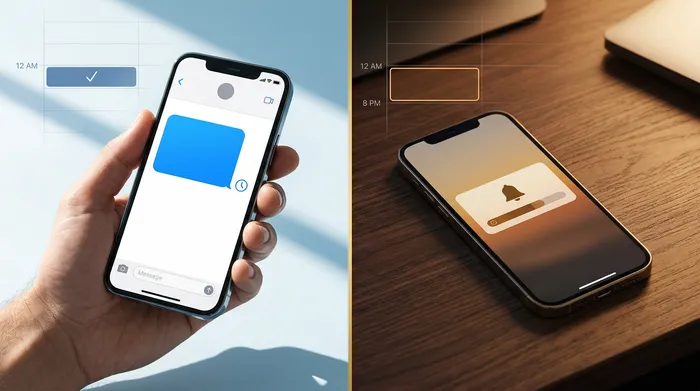
The legal golden rule: never send an SMS before 8:00 AM or after 8:00 PM. This is a strict requirement in France (Article L34-5 of the CPCE), just like the ban on sending messages on Sundays and public holidays. A good automatic reminder tool will block these time slots for you. See the CNIL regulations.
How to automate sending messages without spending time on it
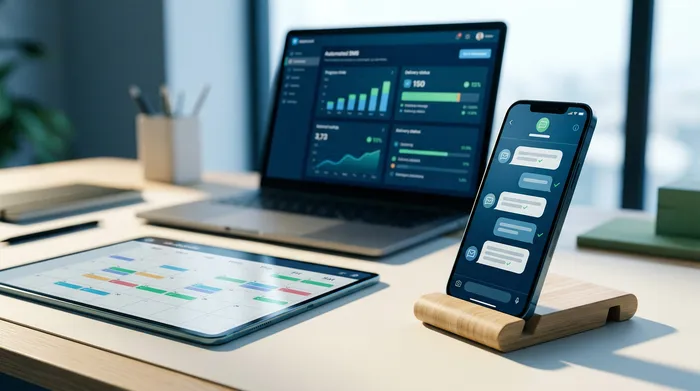
These days, sending these messages manually makes no sense. The best approach is to connect your sending tool to your calendar (Google Calendar, Calendly, Doctolib or your CRM). The SMS reminder software does the work in the background and triggers the send at the right time.
The real trend for 2025 is two-way conversational SMS. Forget the old "Do not reply to this message". Your customers type "YES" to confirm or "NO" to cancel, and your calendar updates itself automatically. This is automated messaging taken to the next level.
To take things further, RCS (Rich Communication Services) is now becoming the standard. This technology allows you to add proper interactive buttons (Confirm, Reschedule) directly inside the smartphone's messaging app, along with your company's verified logo. Understand how RCS works.
Our tool to easily automate your reminder SMS
To set all this up, you need a reliable platform, without having to use your personal phone.
Discover SmsJuice — our platform lets you schedule your SMS appointment reminders in a few clicks, straight from your browser.
In practical terms, here is what changes for you:
- Guaranteed Delivery: your clients receive and read the message in less than 3 minutes.
- Pre-built Templates: variables (first name, date, time) are filled in automatically.
- Response Management: YES/NO confirmations are handled automatically, without flooding your reception desk.
- Zero Tech Skills Needed: the interface is designed to be as simple as sending an SMS from a mobile phone.
- Quick Setup: choose your sender name, type your message, and you're good to go.
Send an appointment reminder SMS via SmsJuice now. Try sending your first SMS appointment reminder. You will see, the maths is simple: an SMS costs far less than an empty appointment slot.
Conclusion — Take Action Against Missed Appointments
A well-crafted client appointment reminder message is the most profitable investment to secure your schedule and revenue. Automate your messages today and free yourself from that mental stress.
🙋🏻♂️ FAQ — Frequently Asked Questions about Appointment Reminder SMS
How do you send an appointment reminder SMS to your clients?
Forget about using your personal phone. Use an online messaging platform or connect an API to your calendar. This allows you to automatically personalise messages and track delivery reports professionally.
How can you professionally confirm an appointment by SMS?
Be clear and concise. Use a message template that includes the date, time, venue, and a cancellation link. This SMS appointment confirmation message should be sent immediately after the booking.
When is the best time to send an appointment reminder message for it to be effective?
As a general rule, 24 hours before is the perfect timing. Make it 48 hours before if the appointment requires preparation. For appointments booked far in advance, add a quick reminder 7 days before using your SMS reminder software.
Are there any free tools to send appointment reminders by SMS?
Most platforms offer free trial credits for testing. Afterwards, you pay per message. At just a few Naira per SMS, the investment is well worth it from the very first saved appointment slot.
How do you set up automatic "YES / NO" replies in a reminder SMS?
You need to use an interactive SMS option with a dedicated number. The customer replies, and the platform interprets the message to update your calendar. It's a very common feature on good SMS sending tools.
What is the difference between a confirmation SMS and an appointment reminder SMS?
The confirmation SMS validates the appointment booking instantly. The reminder SMS is sent the day before (24 hours prior) to prevent them from forgetting. They are complementary and serve two different purposes.
Is the STOP SMS notice really mandatory in a reminder SMS?
Yes, it is 100% compulsory. It is required by the NDPR to allow users to unsubscribe. Don't joke with it, forgetting to include the STOP SMS mention can lead to heavy penalties from the NDPC.
How much does it cost to send an appointment reminder SMS?
The price ranges from a few Naira to a bit more per message. This is a minimal expense compared to the cost of an empty appointment slot. You will see the return on investment from the very first week of use.